
Remote Management Zebra Printer Fleet
Printer Fleet Management: Monitoring Printers Remotely
Managing printers you can’t walk up to
Printer fleet management software gives you remote visibility and control over every thermal printer in your operation — status, configuration, firmware, and usage — from one console instead of one printer at a time. The value shows up at scale: configuring twelve printers by hand across three buildings is a day of work and a source of inconsistency, and the first sign of a failing printhead is usually a complaint rather than an alert. Fleet tools turn both into something you manage rather than react to.
What these tools actually do
Remote configuration
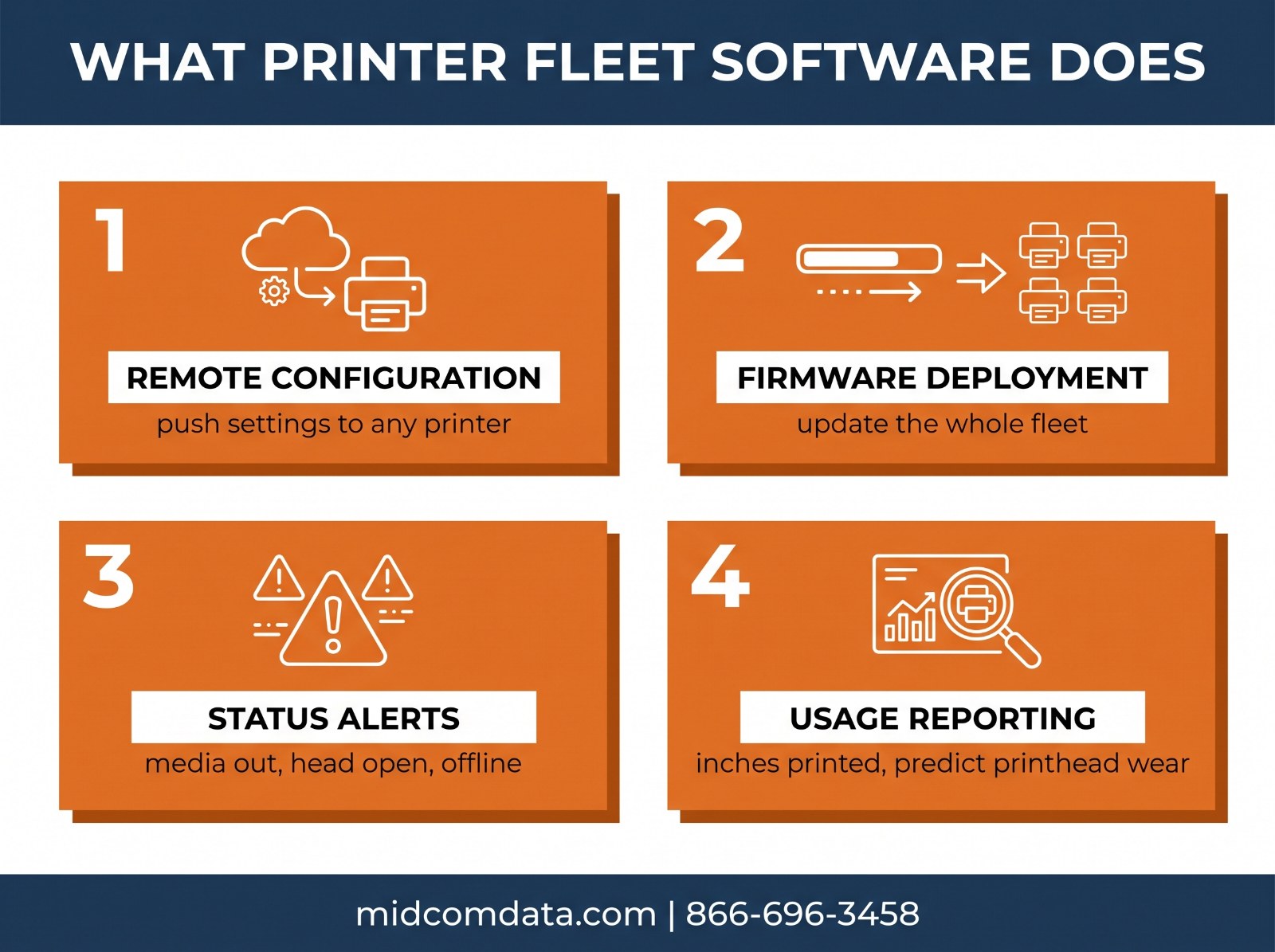
Push a settings profile to a printer, a group, or the whole fleet. Darkness, speed, media type, label length, network settings, and print server parameters all get set from the console. The practical win is consistency — every pack station printer running identical settings means a label printed in one building matches a label printed in another.
This also solves printer replacement. When a unit dies, you swap in a spare, apply the profile, and it’s configured identically in under a minute rather than someone recreating settings from memory.
Firmware management
Firmware updates across a fleet are tedious and easy to skip, which is how you end up with printers running versions three years apart and behaving differently. Fleet software schedules and pushes firmware to groups, so you can stage an update on a test printer, verify it, then roll it out.
Status monitoring and alerts
Live state for every printer — online or offline, media out, ribbon out, head open, head too hot, error conditions. Alerts route to email or a ticketing system, so the warehouse doesn’t have to phone IT and IT doesn’t have to wait to be told.
Better systems also expose odometer data: linear inches printed, labels printed, head-open cycles. That’s the number that actually predicts printhead replacement, and it’s the one nobody tracks manually.
Usage and consumable reporting
Per-printer volume tells you which units are overloaded and which are idle, which informs both redeployment and purchasing. It also makes consumable forecasting real instead of a guess — if you know exact label and ribbon consumption by site, ordering stops being reactive.
The main options for Zebra fleets
Printer Profile Manager Enterprise
Zebra’s own platform, built for Link-OS printers. It handles the full set — remote configuration, firmware deployment, status monitoring, alerting, and fleet-wide visibility from a single console. If your printers are predominantly Zebra and Link-OS capable, this is the most direct fit, since it’s built by the manufacturer against its own firmware.
SOTI Connect
An IoT-based device management platform that covers Zebra printers alongside other device classes. It provides lifecycle management for industrial, desktop, and mobile printers, with real-time health and status data and remote configuration. Its advantage is breadth — if you’re already managing mobile computers and scanners through SOTI, printers land in the same console rather than a second one.
One thing to know if you have older documentation or an existing SOTI deployment: Zebra printer management was deprecated from SOTI MobiControl as of February 1, 2025. Printer management now lives in SOTI Connect specifically, so a plan built around MobiControl for printers needs revisiting.
Manufacturer tools for other brands
If your fleet is Honeywell or SATO rather than Zebra, those manufacturers offer their own management platforms. Mixed-brand fleets are where third-party or multi-vendor tools earn their cost, because running two or three manufacturer consoles defeats much of the point.
What you need in place first
Fleet software assumes your printers are reachable and identifiable, which is where most deployments stall.
Network connectivity on every printer. A USB-attached printer hanging off a workstation isn’t visible to a fleet console. Printers need Ethernet or Wi-Fi with an address the server can reach.
Firmware that supports management. For Zebra, that means Link-OS. Most printers produced in roughly the last five years qualify, but a ten-year-old ZM400 in the corner probably doesn’t, and older units may need a firmware update before they’ll enroll.
A naming and grouping convention. A console listing forty printers named ZBR00A1F3 is barely better than no console. Name by site and function — CHI-PACK-01, CHI-PACK-02 — before you enroll, because renaming later means touching each device.
Static addressing or DHCP reservations. Printers that change IP address periodically drop out of the console and generate false offline alerts.
If your printers aren’t network-ready or you’re not sure which units support current firmware, MIDCOM Data Technologies can inventory your fleet and tell you what’s manageable as-is versus what needs upgrading. Call 866-696-3458 or request an assessment.
Is it worth it for your operation?
Fleet management software is licensed per printer per year in most cases, so the math depends on fleet size and how distributed you are.
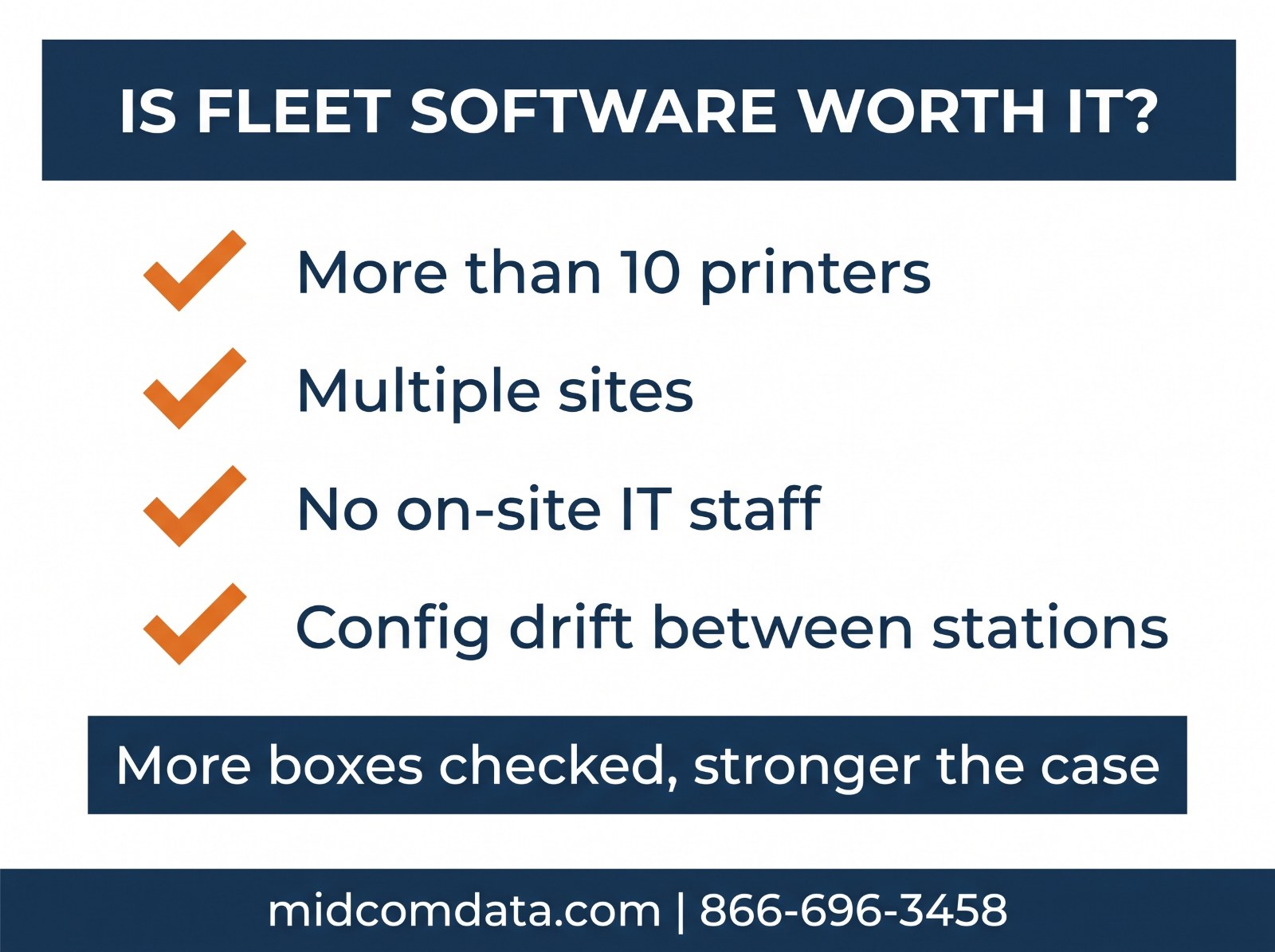
It usually pays off when you run more than about ten printers, you operate across multiple sites, you have no on-site IT at some locations, printer configuration drift is causing label inconsistencies between stations, or your printers are critical enough that catching a failure early has real value.
It usually doesn’t when you run a handful of printers in one building where someone can walk over and look at them. At that scale a maintenance schedule and a spare printhead on the shelf deliver more value per dollar than a management console.
The strongest argument is usually predictive rather than administrative. Knowing that a printhead has 1.9 million inches on it lets you replace it during a planned window instead of mid-shift — and the cost of one unplanned outage on a shipping line frequently exceeds a year of licensing. Our post on the true cost of printer downtime covers how to calculate that number for your operation.
Fleet software and service coverage together
Monitoring tells you something is wrong. It doesn’t fix it, and that’s worth being clear-eyed about before buying. A console that alerts you to a failed printhead in a building with no technician has improved your information, not your uptime.
The pairing that works is fleet visibility plus a service agreement with a defined response time. The software catches the problem early and identifies exactly which unit and what’s wrong; the service contract gets someone there. MIDCOM’s printer protection plans include guaranteed response times and loaner equipment options, with technicians covering over 3,000 locations across the U.S. and Canada.
For fleets without management software, the equivalent is a disciplined preventive maintenance schedule — scheduled inspection substituting for remote telemetry. It’s more manual but considerably better than waiting for failures.
Contact MIDCOM or call 866-696-3458 to talk through what your fleet needs.
Frequently asked questions
What is printer fleet management software?
It’s a platform that gives centralized remote visibility and control over every networked thermal printer in an operation. Typical capabilities include pushing configuration profiles, deploying firmware, monitoring printer status and error conditions in real time, alerting on faults, and reporting usage data such as linear inches printed for predicting printhead replacement.
What software manages Zebra printers remotely?
Zebra’s Printer Profile Manager Enterprise is the manufacturer’s platform for Link-OS printers, covering configuration, firmware, and monitoring from one console. SOTI Connect is an IoT-based alternative that manages Zebra printers alongside other device types. Note that Zebra printer management was deprecated from SOTI MobiControl as of February 1, 2025, so printer management belongs in SOTI Connect.
How many printers do you need before fleet software makes sense?
Roughly ten is the common threshold, though distribution matters more than count. Six printers spread across three sites with no local IT benefits more than fifteen printers in one building someone can walk through. Multiple sites, absent on-site technical staff, and configuration drift between stations are the strongest signals.
Do all thermal printers support remote management?
No. The printer needs network connectivity — a USB-attached printer isn’t visible to a fleet console — and firmware that supports management, which for Zebra means Link-OS. Most printers made in the last five years or so qualify, but older units may need a firmware update or may not be supported at all.
Will fleet management software reduce printer downtime?
It reduces downtime caused by late detection and configuration errors, and usage telemetry lets you replace printheads on a planned schedule instead of after a failure. It does not repair anything, so the benefit depends on pairing it with a service agreement or on-site capability that can act on the alerts.